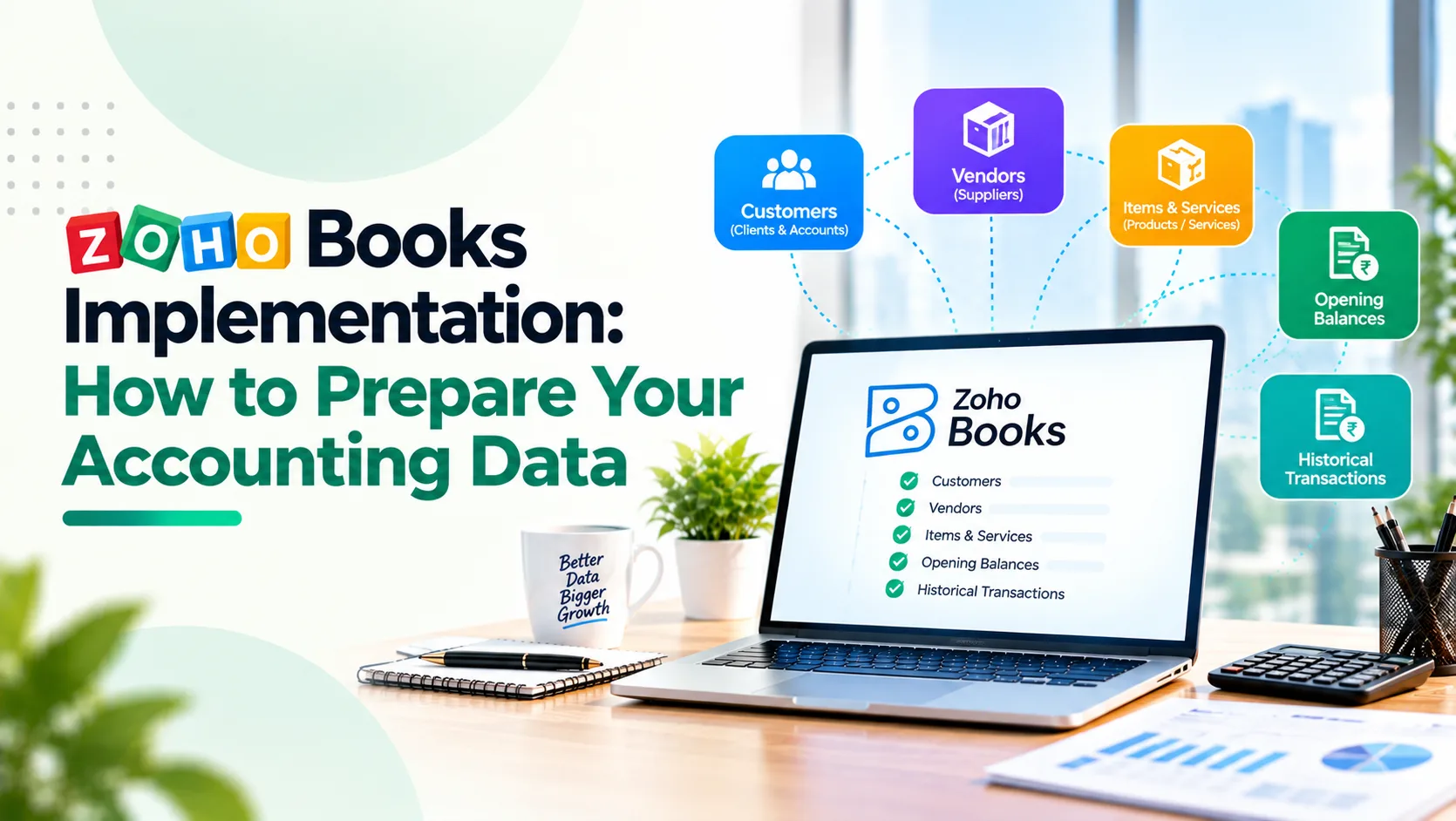
Moving to Zoho Books should make financial operations simpler. But for many growing businesses, the biggest implementation challenge is not configuring the software. It is preparing the accounting data that will move into it.
Customer records contain duplicates. Supplier balances do not match outstanding invoices. Bank transactions remain unreconciled, and inventory quantities differ from financial reports.
Migrating this information without verification can transfer existing problems into a new accounting system, making them harder to identify later.
A successful Zoho Books implementation begins before the first import. Finance teams need to establish reliable opening balances, clean master records and decide how historical transactions will be handled.
This guide explains how to prepare your accounting data, reduce migration risks and build a more dependable foundation for financial reporting.
Key Takeaways
- Accounting data should be cleaned, reconciled and approved before migration begins.
- A defined migration date helps prevent missing or duplicated transactions.
- Customer, vendor and chart-of-accounts records require standardisation before importing.
- Opening balances, receivables, payables and inventory must reconcile with the previous system.
- GST, TDS and other compliance information require review before configuration.
- Trial imports, exception testing and financial reconciliation are essential before go-live.
1. Define Your Migration Scope and Cut-Off Date
The first decision in a Zoho Books implementation is determining what information needs to move.
Some businesses require several years of transaction history. Others prefer to migrate current balances and active records while retaining their previous accounting system for historical reference.
Neither approach is universally correct.
Start by identifying the data required for financial operations, reporting, audits and regulatory record retention.
Typical migration data includes:
- Chart of accounts and bank accounts.
- Customer and vendor master records.
- Outstanding invoices and supplier bills.
- Opening ledger balances.
- Products, services and inventory quantities.
- Relevant tax information and historical documents.
Next, agree on a migration cut-off date.
For example, a business moving on 1 January should establish which transactions belong in the previous system and which will be recorded in Zoho Books.
Transactions around this date require particular attention. Unrecorded invoices, payments or credit notes can create discrepancies.
Zoho's official migration guidance explains the sequence for transferring master records, inventory and opening balances.
Implementation priority: Establish the migration scope, cut-off date, transaction ownership and financial approval process before importing anything.
2. Clean and Standardise Your Chart of Accounts
The chart of accounts defines how financial transactions are classified and reported.
Over time, growing businesses often accumulate unnecessary, duplicated or inconsistently named accounts.
A company may have separate expense ledgers for similar activities because different employees created them over several years.
Migrating these accounts without review can preserve reporting confusion.
Before implementation, examine:
- Duplicate or inactive ledger accounts.
- Incorrect account classifications.
- Parent and sub-account structures.
- Departmental or branch reporting requirements.
- Bank, tax, liability and asset accounts.
For example, a manufacturing business may require clear separation between raw-material purchases, factory expenses, logistics costs and administrative expenditure.
An oversimplified chart of accounts can weaken cost visibility, while excessive account detail makes reporting difficult to maintain.
Zoho Books includes predefined account categories, and additional accounts can be imported as required.
Implementation priority: Create an approved mapping between existing account codes and the new Zoho Books structure, with finance ownership for every change.
Planning to implement Zoho Books? Start with clean, reliable accounting data to avoid migration issues.
Plan Your Zoho Books Migration3. Clean Customer and Vendor Master Data
Customer and supplier records are among the most common sources of migration errors.
An organisation may have multiple records for the same customer, incomplete billing addresses, outdated contact details or inconsistent payment terms.
These issues affect invoicing, collections, supplier payments and financial reporting.
Before importing contacts, review:
- Duplicate customer and vendor records.
- Legal business names and contact details.
- GSTIN and applicable tax treatment.
- Billing addresses and payment terms.
- Transaction currency and credit arrangements.
- Inactive or obsolete accounts.
Consider a distributor with the same customer recorded separately as "ABC Traders," "ABC Traders Pvt Ltd" and "ABC Traders Private Limited."
Without verification, the migration may create separate accounts for what should be one customer relationship.
However, similar names should not automatically be merged. Different legal entities may require separate financial records.
Zoho's Tally-to-Zoho Books migration guide explains how contact records and associated financial information can be prepared and imported.
Implementation priority: Deduplicate carefully, standardise mandatory fields and obtain business approval for customer and supplier master changes.
4. Reconcile Outstanding Receivables and Payables
One of the most important migration tasks is establishing exactly how much customers owe the business and how much the business owes suppliers.
A trial balance alone does not provide sufficient transaction-level detail.
Finance teams should prepare customer-wise outstanding invoices, vendor-wise unpaid bills, credit notes, advance payments and disputed balances.
For example, suppose a business shows ₹18 lakh in accounts receivable, but its customer ageing report totals ₹17.4 lakh.
That ₹60,000 difference must be investigated before migration.
It may reflect an unallocated payment, an incorrect journal entry or a transaction omitted from the report.
Zoho Books supports different methods for recording customer and vendor opening balances.
The selected approach must avoid recognising the same receivable or payable twice through both an opening balance and an imported outstanding transaction.
For businesses reviewing broader finance improvements, Absoft's article on seven manual finance processes worth automating explains why reliable invoice and payment records matter.
Implementation priority: Reconcile customer and vendor balances to the general ledger and approve the treatment of outstanding transactions before import.
If your accounting records are spread across Tally, spreadsheets and operational systems, contact Absoft to discuss a Zoho Books migration-readiness assessment before implementation begins.
5. Verify Inventory, Products and Opening Stock
Businesses managing physical products must prepare inventory data alongside their accounting records.
Incorrect stock information can affect inventory valuation, purchasing decisions and financial reporting.
Before importing items, verify:
- Product names, codes and units of measurement.
- Opening stock quantities and valuation.
- Purchase and sales rates.
- Inventory account classifications.
- Warehouse or location requirements.
- Damaged, obsolete or disputed stock.
Consider an automotive components distributor with inventory across several warehouses.
Its accounting records may show stock worth ₹42 lakh, while the latest inventory report reflects ₹40.8 lakh.
The difference should be investigated before importing opening inventory.
The migration approach must also account for supported inventory-tracking capabilities and any separate inventory application in use.
Zoho's migration documentation explains that inventory tracking and opening stock require specific preparation during item imports.
Absoft's article on connecting finance, inventory and operations through ERP automation provides further context.
Implementation priority: Reconcile physical or verified stock records, item masters and inventory valuation before establishing opening quantities.
Need help reconciling opening balances, customer records, inventory and tax data before migration? Absoft can help you prepare.
Discuss Your Migration Needs6. Prepare GST, TDS and Other Compliance Information
For Indian businesses, tax-related information is a critical part of accounting data preparation.
Incorrect GST registration details, tax classifications or supplier information can create problems after implementation.
Before configuration, finance teams should review:
- Registered business names and GSTINs.
- Applicable GST treatment and tax rates.
- Product or service classifications.
- Tax-related opening ledger balances.
- TDS records and applicable transaction categories.
- Outstanding tax liabilities and relevant adjustments.
- Existing reconciliation and filing records.
Zoho Books provides India-specific tax and GST configuration guidance, including organisation settings and transaction tax preferences.
However, software configuration does not replace professional tax review.
A company operating across multiple states may require particular attention to GST registrations, business locations and transaction treatment.
Similarly, TDS configuration should reflect the company's actual obligations and applicable rules rather than being copied from an old spreadsheet.
Absoft's existing Zoho Books implementation guide for Indian CFOs explores broader finance configuration and compliance considerations.
Implementation priority: Have a qualified finance or tax professional validate critical tax data and settings before production transactions begin.
7. Reconcile Bank Accounts and Opening Ledger Balances
Opening balances establish the starting financial position in Zoho Books.
If they are incorrect, future reports can remain inaccurate even when new transactions are recorded properly.
Before migration, complete a financial reconciliation covering bank accounts, cash, loans, fixed assets, liabilities and equity.
Review bank reconciliations up to the agreed cut-off date. Identify uncleared cheques, deposits in transit and transactions awaiting classification.
Prepare a final trial balance from the previous accounting system and investigate unresolved differences.
The approved opening balances should reflect the agreed accounting position as of the migration date.
For example, a business moving mid-year should establish its balances at the cut-off date rather than assuming the previous financial year's closing balances remain unchanged.
Importing individual outstanding transactions and opening ledger balances requires a coordinated approach to avoid duplication.
Absoft's guide to automating month-end close in Zoho explains how dependable transaction records support financial reporting.
Implementation priority: Obtain finance-head approval of the opening trial balance and preserve the supporting reconciliation documents.
8. Run a Trial Migration Before Going Live
Data preparation should conclude with testing, not simply completing the import.
A trial migration allows the implementation team to identify missing fields, incorrect mappings, duplicate records and financial differences before the live transition.
Use a representative data sample that includes normal and exceptional transactions.
For example, test a customer with multiple outstanding invoices, a supplier with a credit note and an item with opening inventory.
After the trial import, compare the new system against the approved source records.
|
Validation Area |
What to Confirm |
|
Chart of accounts |
Correct classifications and account mappings |
|
Customer and vendor records |
Record counts, uniqueness and mandatory details |
|
Receivables and payables |
Customer/vendor totals and ageing reconciliation |
|
Inventory |
Item counts, quantities and valuation |
|
Opening balances |
Trial balance and supporting ledger reconciliation |
|
Tax information |
Appropriate GST and TDS setup and sample transactions |
Document discrepancies, assign ownership and repeat testing after corrections.
Also test user permissions, invoice creation, payments, credit notes and reporting.
Absoft's workflow automation audit checklist provides a useful framework for checking ownership, data quality and exceptions.
Go-live approval should come from the finance owner after reconciliation, not merely from the technical team after a successful upload.
Build a dependable financial foundation with expert Zoho Books implementation, data migration and configuration support from Absoft.
Contact AbsoftPrepare Your Accounting Data Before You Implement Zoho Books
A successful Zoho Books implementation begins with confidence in the information being migrated.
Clean master records, reconciled balances, verified inventory and properly reviewed tax information reduce the risk of carrying unresolved problems into a new accounting platform.
The objective is not simply to move accounting data faster. It is to establish a dependable financial foundation that supports accurate reporting, efficient processes and business growth.
Absoft helps businesses evaluate accounting workflows, prepare migration data, configure Zoho finance applications and connect financial operations with wider business systems.
Contact Absoft to discuss your Zoho Books implementation and identify the data preparation, reconciliation and configuration requirements for your business.
Frequently Asked Questions
What data is required for Zoho Books implementation?
Most implementations require a chart of accounts, customer and vendor records, opening balances, outstanding invoices and bills, bank information and applicable tax settings. Inventory and historical transactions depend on the business and migration scope.
Can I migrate from Tally to Zoho Books?
Yes. Zoho provides guidance for migrating account masters, contacts, items, balances and supported transactions from Tally. Data should be cleaned, mapped and reconciled before the new system goes live.
Should I migrate all historical transactions to Zoho Books?
Not necessarily. The decision depends on reporting requirements, audit obligations, data quality and migration capabilities. Some businesses migrate selected history and retain controlled access to the previous system.
How do I verify opening balances in Zoho Books?
Compare the approved trial balance and supporting account schedules against the imported balances. Check receivables, payables, banks, inventory and other material accounts, and investigate every unexplained difference.
How long does Zoho Books data migration take?
Timelines depend on data volume, source-system complexity, reconciliation quality and integrations. Clean records from one system generally require less preparation than fragmented financial information across multiple applications.
Who should approve accounting data before migration?
The finance head or designated accounting owner should approve financial balances and reconciliation. Relevant operational owners should validate customer, vendor and inventory information, while qualified professionals review applicable tax matters.