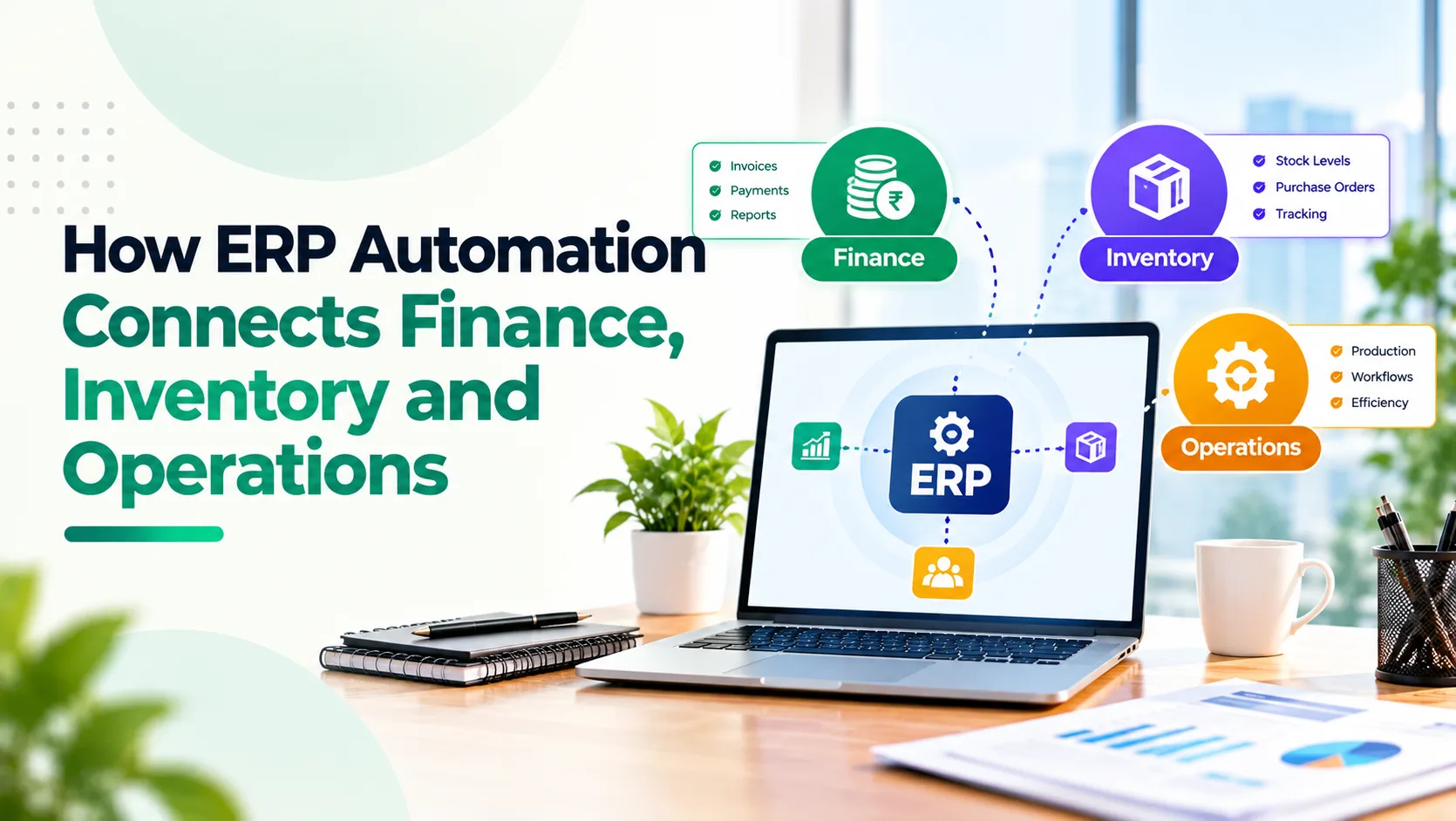
A customer order is confirmed, but the warehouse does not know which stock to reserve. Procurement is ordering items that finance believes are already available. Accounts payable receives a supplier invoice before anyone confirms that the goods arrived. Each department has information, yet the business still relies on calls, spreadsheets and follow-ups to move work forward.
That is the operational gap ERP automation is designed to close.
By connecting transactions, business rules and approvals across finance, inventory, purchasing and fulfilment, an ERP can help teams act on the same underlying information. The goal is controlled movement from order or stock requirement through execution, accounting and reporting.
Key Takeaways
- ERP automation connects operational events with their financial and inventory consequences.
- A confirmed sales order should trigger stock checks and fulfilment steps, not another round of data entry.
- Replenishment rules can flag shortages, but purchasing commitments still require controls.
- Matching purchase orders, receipts and supplier invoices reduces avoidable payment errors.
- Shared dashboards are useful only when transactions, master data and exceptions are reliable.
- The best implementation starts with one end-to-end workflow and measurable business outcomes.
1. What Does ERP Automation Actually Mean?
Enterprise Resource Planning (ERP) software brings core business activities into a connected environment. IBM's explanation of ERP describes applications that support processes including finance, procurement, manufacturing and supply chain management.
ERP automation is the use of defined triggers, validations, approval rules and integrations to move transactions through those processes with less manual intervention.
For example, when goods are received against a purchase order, the system can update inventory records, make the receipt available for invoice matching and give finance visibility into the related obligation. Whether an accounting entry is posted immediately depends on the company's configuration and accounting policy.
Unlike CRM integration, which shares sales information, ERP automation governs the operational and financial steps that follow. Absoft has covered that customer-facing handover separately in its guide to Zoho CRM and ERP integration.
2. Connecting Sales Orders With Inventory and Fulfilment
The manual gap: Sales accepts an order based on a stock spreadsheet. Meanwhile, another team has already committed part of the same stock. The warehouse discovers the shortage when it starts picking.
The automated workflow: A validated sales order can check available-to-promise stock, account for reservations, apply allocation rules and create fulfilment tasks. If there is insufficient stock, the order may be split, backordered or flagged for procurement according to policy.
A distributor with Delhi and Mumbai warehouses can choose the fulfilment location based on available stock. Finance can see order value without confusing it with collected revenue.
Microsoft's documentation on inventory reservations explains how reserved quantities can be protected for particular orders. Actual capabilities vary by ERP and configuration.
Measure: Order-to-pick time, backorder rate, inventory allocation errors and on-time dispatch.
Ready to Connect Your Business Operations?
Discuss Your ERP Automation Requirements3. Turning Inventory Shortages Into Controlled Procurement
The manual gap: Stores teams notice low inventory late, message procurement and request urgent purchases. Buyers lack a reliable view of open orders, lead times and stock already in transit.
The automated workflow: Reorder points and replenishment rules identify items that need attention. The system can consider warehouse-specific thresholds, expected demand, outstanding purchase orders and preferred suppliers before recommending a new order.
For fast-moving auto parts, procurement should see the shortage and quantities already ordered. A buyer can review pricing, minimum quantities and lead times before approving.
Zoho ERP's replenishment guidance describes low-stock tasks that can lead to purchase or transfer orders. Importantly, detecting a shortage does not have to mean automatically placing an irreversible supplier order.
Measure: Stockout frequency, emergency purchases, excess inventory and replenishment lead time.
4. Connecting Purchase Orders, Goods Receipts and Supplier Payments
The manual gap: Procurement approves 100 units, the warehouse receives 92 and the vendor invoices for 100. Without connected records, finance may not notice the difference until after payment.
The automated workflow: The ERP connects the purchase order, goods receipt and vendor invoice. Matching rules identify differences in quantity, price and applicable charges. Invoices within approved tolerances can follow a standard approval path; discrepancies are held for investigation.
This is commonly called three-way matching. Microsoft's invoice-matching documentation explains how purchase order, receipt and supplier invoice information can be compared.
For partial raw-material deliveries, finance can identify receipts, outstanding quantities and invoice discrepancies.
The goal is evidence-backed payments, with independent authorisation and vendor verification.
Measure: Invoice-match exceptions, approval time, duplicate payments and invoice disputes.
If purchasing, warehouse and accounts teams maintain separate versions of the same transaction, Absoft's ERP implementation and finance solutions can help map where those records should connect and which approvals must remain in place.
5. Making Inventory Movements Visible to Finance
The manual gap: Warehouse stock changes daily, but the finance team learns about returns, damage, transfers or adjustments only during month-end reconciliation.
The automated workflow: Receipts, dispatches, inter-warehouse transfers and authorised stock adjustments create traceable inventory movements. The ERP can link those movements to the appropriate valuation and accounting processes based on configured policies.
For a multichannel retailer, returned goods must be classified for resale, inspection or write-off. Automation can enforce those routes and record evidence.
Likewise, recording a warehouse transfer should not be confused with recognising a sale. Movement types, ownership and valuation rules must be distinguished.
Better transaction discipline also reduces the manual clean-up required during financial closing. Absoft's article on automating the month-end close examines the downstream reporting benefit.
Measure: Stock adjustment value, inventory-to-ledger differences and unresolved returns.
Still Managing Inventory, Purchasing, and Finance Separately?
Explore Absoft’s ERP & Finance Solutions6. Giving Operations and Finance a Shared Management View
The manual gap: Operations reports order completion, finance reports invoiced revenue and purchasing reports committed spend. Each report may be correct individually, yet leadership cannot see where an order or cash commitment currently stands.
The automated workflow: Consistent transaction identifiers and governed data definitions allow reports to connect orders, fulfilment, invoices, receipts and payments. Managers can distinguish booked orders from shipped orders, invoiced sales from collections and physical inventory from available stock.
Useful views include overdue purchases, fulfilment exceptions, inventory ageing and margins. Reports should clearly distinguish scheduled updates from live data.
Where multiple systems are involved, an analytical layer may be required. Absoft's guide to bringing CRM, ERP and finance data into one warehouse explains that reporting architecture in greater detail.
Measure: Reporting preparation time, disputed metrics and decisions delayed by missing information.
7. Example: One Order Across Five Business Functions
Imagine a distributor receives an order for 250 replacement components. Rather than asking each department to re-enter the request, the transaction can progress through controlled stages:
- Sales: Validates customer terms and confirms the order.
- Inventory: Reserves 180 available units and identifies a shortage of 70.
- Procurement: Reviews a replenishment requirement, existing open orders and supplier lead time.
- Operations: Picks and dispatches the available quantity under the agreed partial-delivery policy.
- Finance: Links the relevant shipment and invoice records, tracks receivables and reviews purchase liabilities as the missing stock is sourced.
A manager can see remaining stock, delivery timing and commercial exposure. The sequence depends on business policies and system configuration.
Crucially, the system must also manage exceptions: rejected credit, cancelled quantities, damaged goods and supplier delays. The normal path is only half the process design.
Find the Right ERP Automation Opportunities for Your Business
Talk to Absoft About ERP Automation8. How to Implement ERP Automation Without Creating New Problems
Start with a business process, not a software demonstration. Choose a repeatable chain, such as purchase request to supplier payment or sales order to dispatch and invoicing.
Map the current process. Record every approval, system handoff, delay and exception. Absoft's workflow automation audit checklist provides questions to guide this review.
Clean the master data. Product codes, units of measure, warehouse locations, vendors and tax settings must be consistent. Poor master data can make an automated error more expensive than a manual one.
Assign system ownership. Determine which application owns stock, pricing, supplier balances and transaction status. Decide whether updates should be real-time, event-driven or scheduled.
Build safeguards. Use approval thresholds, role-based access, audit trails, duplicate checks and clear exception queues. Design what happens when an integration fails or only part of a transaction succeeds.
Pilot and measure. Test normal orders, partial receipts, cancellations, returns and delayed payments with real users before expanding. Record baseline measures, then track cycle time, error rates and adoption after rollout.
Businesses comparing platforms should also consider capabilities, implementation complexity and total cost of ownership. Absoft's Zoho ERP vs SAP vs Oracle comparison offers a starting point, but platform selection should follow process requirements rather than brand familiarity.
Discuss your ERP automation requirements with Absoft to identify which finance, inventory and operations handovers should be addressed first.
Frequently Asked Questions
What is ERP automation?
ERP automation uses rules, approvals and connected applications to move business transactions through processes such as ordering, inventory control, purchasing, invoicing and reporting with less repeated manual work.
How does ERP automation connect finance and inventory?
It links authorised stock movements and purchasing or sales transactions with financial records. Depending on configuration, those events can support inventory valuation, payable matching, invoicing and reporting without re-entering the same information.
Does ERP automation replace warehouse and finance teams?
No. It reduces repetitive administration and improves visibility. People still manage physical goods, exceptions, supplier relationships, financial judgements, controls and approvals that require accountability.
Can an ERP automatically reorder inventory?
Many ERP systems can identify replenishment needs using reorder points and demand rules. Some can generate purchase orders, but businesses should configure approval limits, supplier checks and exceptions before allowing automatic purchasing.
Is ERP automation the same as CRM and ERP integration?
No. CRM and ERP integration connects customer-facing and operational systems. ERP automation also controls the processes between inventory, purchasing, fulfilment, finance and other functions after a transaction is created.
What should a growing business automate first in ERP?
Choose one high-volume process with clear ownership, reliable data and measurable delays. Sales-order fulfilment or purchase-order-to-payment can be suitable starting points, provided controls and exception handling are designed first.
How Absoft Helps Businesses Connect ERP Workflows
ERP automation delivers value when people understand what happens next, the system reliably moves the right information and exceptions reach the right owner.
Absoft helps growing businesses assess finance and operational workflows, configure ERP processes, integrate applications and design reporting around real decisions. That may mean improving an existing setup before introducing new tools.