Most growing businesses do not have a data shortage.
They have a data fragmentation problem.
Sales data sits in CRM. Orders and inventory sit in ERP. Revenue and payments sit in finance software. Campaign performance lives across advertising, email and marketing platforms.
Each system may work well independently. The problem appears when management asks questions that cross those systems:
- Which marketing channels generate customers who actually pay?
- Which opportunities convert into profitable orders?
- Which products create the highest revenue and repeat business?
- How does sales pipeline compare with inventory and fulfilment capacity?
- What is the real customer acquisition cost by segment?
Answering these questions often means exporting spreadsheets and manually joining data.
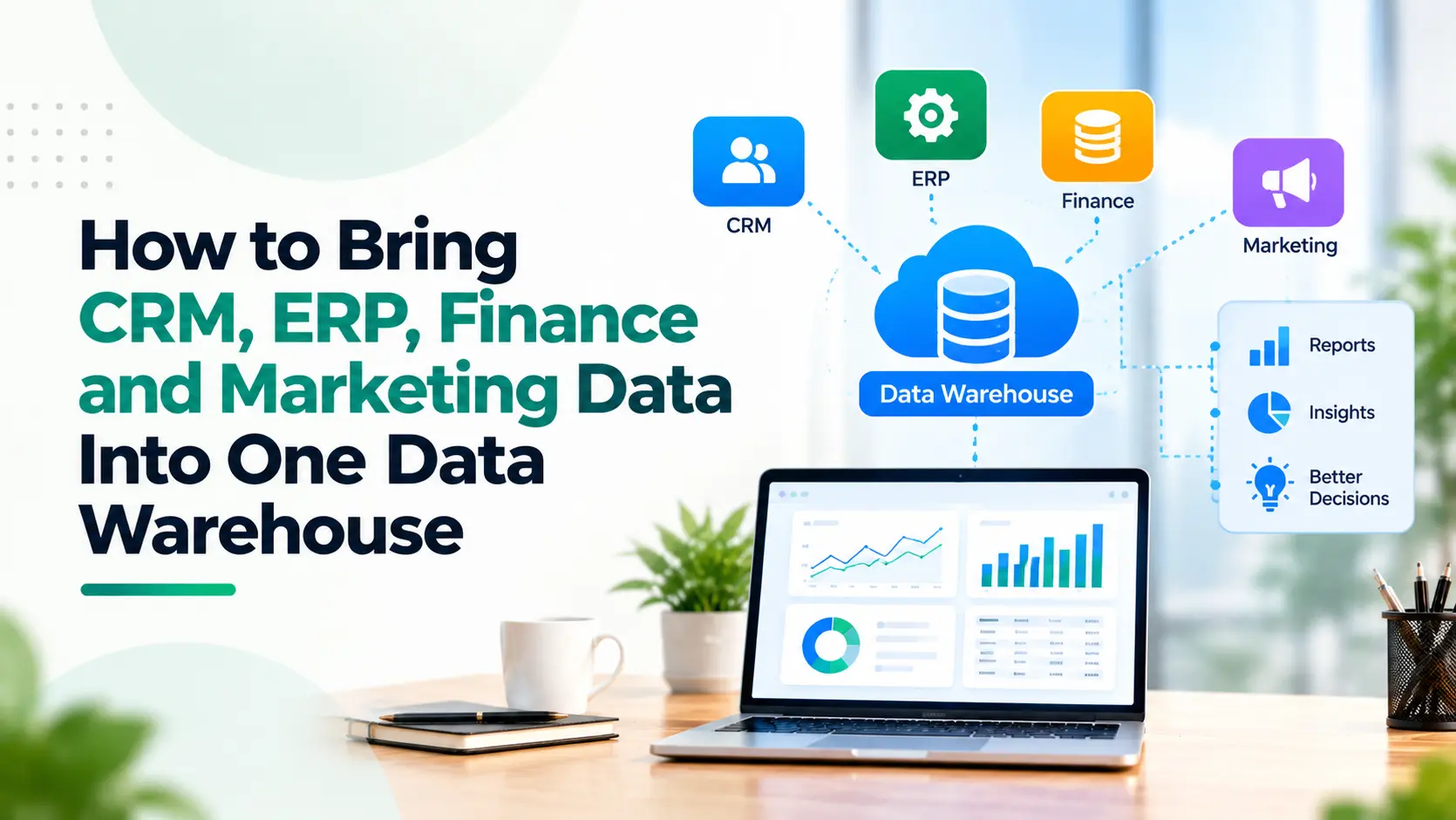
A business data warehouse creates a different model: data from CRM, ERP, finance, marketing and other systems is brought into one governed analytical environment.
IBM's explanation of data warehousing describes a data warehouse as a central store that brings together data from multiple sources and prepares it for business intelligence and analytics.
The goal is not simply to put all data in one place.
The goal is to create one reliable version of business performance.
Key Takeaways
- A data warehouse brings information from multiple business systems into one analytical layer.
- CRM, ERP, finance and marketing data should retain clearly defined ownership.
- Data needs to be cleaned and standardised before it becomes useful for reporting.
- Historical data is one of the biggest advantages over reporting directly from operational applications.
- The warehouse should be designed around business questions, not around the number of systems available.
- Dashboards should sit on top of trusted data rather than becoming another layer of conflicting metrics.
1. Why Not Just Connect CRM and ERP?
Connecting operational systems is valuable, but integration and data warehousing solve different problems.
CRM-to-ERP integration helps processes run.
For example, when a deal closes, customer and order information can move automatically into ERP. Invoice or dispatch information can then flow back to sales.
Absoft's guide to Zoho CRM and ERP integration explains how this removes repeated data entry and improves coordination between sales, finance and operations.
A data warehouse serves a different purpose.
It allows information from those systems, and others, to be combined, historised and analysed without turning operational applications into reporting databases.
Integration moves the process.
A data warehouse explains the business.
2. Start With the Questions Management Needs Answered
Do not begin by asking:
Which databases should we connect?
Begin with:
Which business questions can we not answer reliably today?
For example:
Sales
- Which lead sources generate the most revenue?
- Which segments have the shortest sales cycles?
Finance
- Which customers have the highest revenue and strongest payment behaviour?
- How much booked pipeline becomes recognised revenue?
Operations
- Which products have high demand but frequent fulfilment constraints?
- How does inventory affect sales conversion?
Marketing
- Which campaigns generate leads, opportunities, customers and ultimately revenue?
The required business questions determine the data architecture.
3. Identify the Source of Truth for Every Metric
Before loading data into a warehouse, decide which system owns which information.
For example:
|
Information |
Likely Source |
|
Lead and opportunity |
CRM |
|
Orders and inventory |
ERP |
|
Invoice and payment |
Finance system |
|
Campaign and spend |
Marketing platforms |
|
Website behaviour |
Analytics platform |
A data warehouse does not mean every application should be allowed to redefine the same metric.
If CRM says revenue is ₹12 crore and finance says ₹10.6 crore, management should not have to choose which dashboard to believe.
Definitions and ownership must be agreed first.
Struggling to connect CRM, ERP, finance and marketing data into one reliable reporting system?
Talk to a Data Expert4. Build Automated Data Pipelines
The next step is moving information from source systems into the warehouse.
This normally happens through APIs, database connectors, webhooks, scheduled exports or ETL/ELT pipelines.
ETL means:
Extract → Transform → Load
ELT changes the sequence:
Extract → Load → Transform
Both approaches are used to collect information, standardise it and prepare it for analysis.
Google Cloud's data warehouse guide notes that modern data warehouses can consolidate structured and semi-structured information from sources including CRM and marketing platforms while retaining current and historical data for analysis.
For growing businesses, the architecture does not need to start excessively complex.
It needs to be reliable, governed and scalable.
5. Clean the Data Before You Trust It
Combining four systems does not automatically produce good analytics.
It can produce four systems' worth of inconsistent data.
Typical problems include:
- Duplicate customers
- Different product names
- Missing IDs
- Inconsistent date formats
- Different revenue definitions
- Campaign naming variations
- Closed deals without corresponding invoices
- Customer records created differently across systems
The warehouse needs rules that reconcile these differences.
For example, ABC Ltd, ABC Limited and A.B.C. Ltd should not automatically become three customers in an executive report.
This is why Absoft's Data Warehousing capability includes data integration, ETL pipelines, validation, deduplication and governance rather than simply copying databases into another platform.
6. Preserve Historical Data
Operational systems are designed primarily to tell you what is happening now.
Leadership often needs to know what changed.
Suppose an opportunity moves from ₹20 lakh to ₹12 lakh.
CRM may show the current ₹12 lakh value.
For analysis, however, management may need to know:
- When the forecast changed
- How much pipeline was reduced
- Which salesperson or segment changed
- Whether this happens regularly
- How forecast accuracy compares over time
A properly designed warehouse can preserve historical snapshots.
That makes trend analysis and forecasting significantly more useful.
7. Create Business-Ready Data Layers
Raw data should rarely go directly into management dashboards.
A useful warehouse normally progresses through stages:
Raw data → cleaned data → standardised business data → reporting layer
Microsoft's modern data warehouse architecture guidance describes a similar layered approach, moving information from raw ingestion through cleaned and enriched data to a consumption-ready layer.
For management, that final layer might contain standard metrics such as:
- Qualified leads
- Pipeline value
- Order value
- Net revenue
- Gross margin
- Customer acquisition cost
- Repeat purchase rate
- Inventory turns
- Marketing ROI
The logic should be defined once and reused consistently.
Build a single source of truth with a modern data warehouse architecture.
Schedule a Consultation8. Connect Marketing Activity to Revenue
This is one of the biggest reasons to include marketing data in the warehouse.
Marketing systems typically report:
Impression → Click → Lead
CRM reports:
Lead → Opportunity → Deal
ERP and finance report:
Deal → Order → Invoice → Payment
A warehouse can connect those stages.
Instead of asking which campaign generated the cheapest lead, leadership can ask:
Which campaign generated the highest-quality revenue?
That is a much more valuable business question.
9. Build Dashboards on the Warehouse, Not Around It
Once trusted data exists, business intelligence becomes significantly easier.
Dashboards can combine:
Marketing → Sales → Finance → Operations
without repeatedly exporting information from four systems.
Absoft's guide to Zoho Analytics and multi-source business reporting discusses combining information from multiple business applications for reporting.
The warehouse makes that reporting layer stronger by creating a governed analytical foundation underneath it.
When Does a Business Need a Data Warehouse?
You probably do not need a data warehouse simply because you use several applications.
It becomes valuable when:
- Reports require repeated spreadsheet consolidation.
- Different departments report different numbers.
- CRM, ERP and financial performance need to be analysed together.
- Marketing cannot connect campaign spend to actual revenue.
- Historical trends are difficult to reconstruct.
- Management dashboards rely on manual data preparation.
- Data volume or complexity is increasing.
- AI and advanced analytics require clean, governed business data.
Create a unified data foundation for smarter reporting, analytics and business decisions.
Speak With Our Data TeamFrom Multiple Systems to One Business View
CRM should remain good at CRM.
ERP should remain good at operations.
Finance software should remain the financial system of record.
Marketing tools should continue executing campaigns.
The objective of a data warehouse is not to replace them.
It is to create a trusted analytical layer across them.
Absoft works across CRM, ERP, finance automation, API integration, BI dashboards and data warehousing and analytics to help businesses connect fragmented systems into a usable data architecture.
If leadership is still depending on manually consolidated reports to understand performance, the first question may not be “Which dashboard do we need?”
It may be:
“Do we have a reliable data foundation underneath the dashboard?”
Talk to Absoft about building a unified data and analytics architecture.
Frequently Asked Questions
What is a business data warehouse?
A business data warehouse is a central analytical repository that combines data from multiple operational systems such as CRM, ERP, finance and marketing platforms. It allows businesses to analyse cross-functional and historical information without relying on manual spreadsheet consolidation.
Can CRM and ERP data be stored in the same data warehouse?
Yes. CRM and ERP data can be brought into the same warehouse while each system remains the operational source of truth. Common IDs and transformation rules allow sales, orders, inventory, invoices and customer data to be analysed together.
Why combine marketing and finance data?
Combining marketing and finance data helps businesses move beyond lead and click metrics. Campaign performance can be connected to opportunities, orders, invoices and actual revenue, providing a clearer view of marketing ROI.
What is the difference between a data warehouse and a dashboard?
A data warehouse stores, cleans and organises data from multiple sources. A dashboard visualises selected metrics from that data. The warehouse is the data foundation; the dashboard is the presentation layer.
Does a small or mid-sized business need a data warehouse?
Not every business does. A warehouse becomes useful when reporting spans several systems, departments disagree about metrics, historical data is difficult to analyse or manual spreadsheet consolidation has become a recurring operational burden.
What is ETL in data warehousing?
ETL stands for Extract, Transform and Load. Data is extracted from source systems, cleaned or transformed into consistent formats and then loaded into the analytical environment. Modern architectures may also use ELT, where transformation occurs after loading.
Can Zoho CRM, ERP, Books and marketing data be combined?
Yes. Data from Zoho applications and third-party systems can be combined using native connectors, APIs, Zoho DataPrep, Zoho Analytics, custom ETL pipelines or cloud databases depending on the required scale and architecture.
How does a data warehouse create a single source of truth?
It creates a governed analytical layer where data ownership, definitions, transformation rules and common identifiers are standardised. This helps ensure that different departments calculate important business metrics using the same underlying logic.