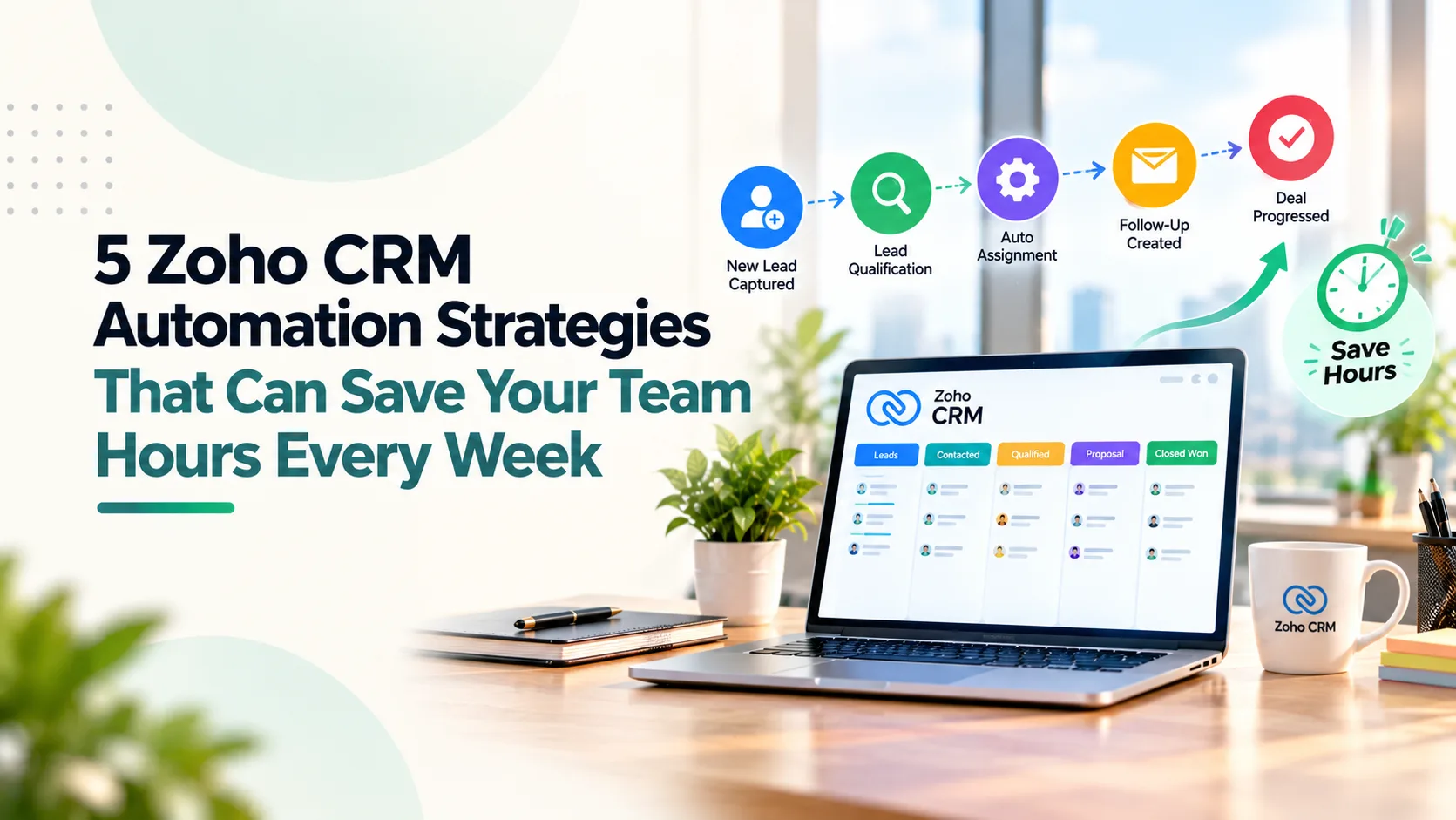
Your sales team may be losing almost an entire working day every week to work that should never have required a salesperson in the first place.
Assigning leads. Creating reminders. Updating CRM fields. Checking whether proposals were followed up. Asking managers for approvals. Copying customer information into another system.
Key Takeaways
- Zoho CRM automation should focus on removing repetitive administrative work so sales teams can spend more time selling and less time managing CRM records. Pasted markdown
- The most effective automation starts with the entire lead-to-first-action process, not just lead assignment, ensuring every lead is prioritized and ready for action. Pasted markdown
- Smart follow-up automation should be driven by customer behavior and deal status, helping sales teams maintain consistency without overwhelming prospects. Pasted markdown
- Zoho CRM Blueprint is valuable for enforcing process discipline and data quality, ensuring critical sales stages are completed correctly before deals progress. Pasted markdown
- Automating post-sale handoffs between sales, finance, operations, and customer success reduces duplicate work and improves operational efficiency. Pasted markdown
- Businesses should automate the detection of risks and bottlenecks while keeping important decisions in human hands. Pasted markdown
- Automation initiatives should be prioritized based on frequency, manual effort, delay, and business impact to maximize return on investment. Pasted markdown
- More workflows do not necessarily mean better automation. The goal is to create a CRM that is efficient, maintainable, and easy for teams to use. Pasted markdown
- Successful CRM automation combines workflows, integrations, approvals, and process controls to create a smoother sales operation. Pasted markdown
- The ultimate objective is simple: reduce manual work, surface exceptions quickly, improve data flow, and help sales teams close more opportunities.
The individual task takes five minutes. The problem is that it happens hundreds of times.
That is why good Zoho CRM automation is not about creating more workflows. It is about removing the administrative friction around selling.
The productivity opportunity is significant. McKinsey research on technology-led sales growth found that more than 30% of sales activities can potentially be automated, while leading companies have improved sales productivity by as much as 30% through automation.
More recently, Gartner found that technology is already saving sellers an average of 4.8 hours every week. But 72% of sales organisations were failing to reinvest those hours into higher-value work.
That distinction matters.
Saving five hours is not the objective. Giving those five hours back to selling is.
Here are five Zoho CRM automation strategies that can help make that happen.
1. Automate Lead-to-First-Action, Not Just Lead Assignment
Most CRM implementations stop too early.
A new lead enters Zoho CRM and gets automatically assigned to a salesperson.
Technically, that is automation.
Operationally, very little has changed.
The salesperson still needs to understand where the lead came from, determine its priority, decide what to do next and create the first follow-up.
A stronger workflow automates the complete lead-to-first-action journey.
For example:
Lead Captured → Source Identified → Duplicate Checked → Territory/Product Matched → Owner Assigned → Priority Set → Follow-Up Created
The salesperson receives a lead that is ready to work, rather than another record that needs administration.
This becomes particularly valuable when leads arrive from several channels such as website forms, Google Ads, Meta, IndiaMART, events and messaging platforms.
For businesses where WhatsApp is a major enquiry channel, Absoft's guide to Zoho CRM WhatsApp integration explains how conversations can become part of a structured CRM workflow rather than remaining on individual phones.
What This Automation Removes
Manual lead distribution, internal forwarding, repeated lead checks and inconsistent response times.
What Should Remain Human
Qualification that genuinely requires commercial judgement.
If your sales manager cannot clearly explain who should receive a particular lead and why, automate the process only after the ownership logic has been fixed.
2. Automate Follow-Up Logic, Not Just Follow-Up Reminders
A reminder saying "Follow up with ABC Ltd." is not much of an automation strategy.
The salesperson still has to decide:
- When should I contact them?
- What happened previously?
- Which channel should I use?
- What happens if they don't respond?
- What happens if they do?
A better sales automation approach builds follow-up around the customer state.
Consider a quotation workflow:
Quotation Sent → Follow-up task after 2 days → No response? Second activity scheduled → Customer responds? Sequence stops → Proposal remains inactive for 7 days? Opportunity flagged → High-value deal still inactive? Manager notified
Zoho CRM Cadences can help structure repeated customer engagement across calls, tasks, emails and supported messaging channels.
But automation should not become communication overload.
The objective is consistent follow-up, not automated harassment.
This is also why the broader Zoho CRM implementation process should define sales stages, ownership and follow-up expectations before workflows are configured.
What This Automation Removes
Repeated reminder creation, forgotten opportunities and salespeople manually scanning their entire pipeline to determine who needs attention.
What Should Remain Human
The conversation.
Automation should decide when attention is required. The salesperson should decide what that conversation needs.
Ready to eliminate manual sales tasks and improve team productivity?
Get CRM Automation Help3. Use Blueprint Where the Problem Is Process Discipline
Not every CRM problem needs another workflow rule.
Sometimes the problem is that people are skipping steps.
For example:
- A salesperson moves a deal to Proposal Sent without entering the proposal value.
- A large discount progresses without approval.
- An opportunity reaches negotiation without identifying the decision-maker.
- A deal is marked lost without capturing why.
A normal workflow says:
If something happens → perform an action.
Blueprint addresses a different question:
What must happen before this process is allowed to move forward?
That distinction is important.
A properly designed Blueprint can turn the CRM from a reporting system into a process-control system.
But this is also an area where companies frequently over-engineer Zoho CRM.
Ten mandatory fields, six approvals and fifteen transitions may technically create discipline while making the sales team hate using the CRM.
Absoft's article on building Zoho CRM systems that teams actually use explains why process design and adoption need to come before feature complexity.
What This Automation Removes
Managers chasing incomplete information, repeatedly correcting CRM records and manually policing the sales process.
What Should Remain Human
Exceptions.
A good process controls the standard journey while making it easy to escalate something genuinely unusual.
4. Automate the Handoff After "Closed Won"
The sale may be closed in CRM.
The manual work often begins immediately afterwards.
Sales emails finance.
Finance asks for billing details.
Operations needs the order scope.
Someone enters the customer again in another application.
The salesperson follows up internally to find out whether fulfilment has started.
This is where Zoho CRM workflow automation becomes more valuable than simple sales-task automation.
A Closed Won event could trigger:
Validate Customer Data → Create or Update Finance Record → Send Approved Order Information → Initiate Project / Fulfilment Workflow → Assign Account Owner → Trigger Customer Onboarding → Update Management Reporting
Where Zoho CRM is connected to an ERP, finance or operational platform, customer information should not depend on employees repeatedly moving it between systems.
Absoft's guide to Zoho CRM and ERP integration shows how CRM data can connect sales with orders, inventory, invoicing and fulfilment.
For more complex cross-application processes, workflow automation services can combine Zoho Flow, APIs, custom functions and application-level automation.
What This Automation Removes
Duplicate data entry, internal coordination emails and repetitive sales-to-operations handoffs.
What Should Remain Human
Commercial or operational exceptions.
A non-standard order should not automatically become a standard one simply because the deal stage changed.
Transform your sales process with smarter Zoho CRM automation
Talk to a Zoho Expert5. Automate the Detection of Problems Before You Automate Decisions
This is probably the most underused CRM automation strategy.
Managers should not spend Monday morning opening 80 opportunities to discover which five need intervention.
The CRM should identify those five.
For example:
- New lead untouched for 2 hours → Flag
- Qualified opportunity inactive for 7 days → Alert salesperson
- Proposal sent with no next activity → Create task
- High-value opportunity moves backwards → Notify manager
- Deal expected this month but critical information is missing → Flag
- Opportunity sitting unusually long in one stage → Escalate
This changes the role of CRM reporting.
Instead of asking management to constantly search for problems, the system surfaces exceptions that deserve management attention.
And this becomes increasingly important as AI enters CRM.
Gartner's latest research argues that organisations should strengthen their underlying automation and align it with human judgement before adding more autonomous AI into CRM processes. (Gartner)
A useful principle is:
Automate the detection. Preserve judgement for the decision.
What This Automation Removes
Manual pipeline reviews, routine status chasing and managers searching dashboards for problems.
What Should Remain Human
Coaching, negotiation, commercial exceptions and customer-sensitive decisions.
Which Zoho CRM Automation Should You Build First?
Do not start with the feature list.
Start with your team's week.
Ask:
- What activity happens repeatedly?
- How many times does it happen?
- How long does it take?
- Does it follow predictable rules?
- What happens when it is delayed or forgotten?
Then prioritize the workflows with the highest combination of:
Frequency × Manual Effort × Delay × Business Impact
A process performed twice a year does not need sophisticated automation.
A process performed 300 times every week probably deserves attention.
More Automation Is Not Always Better
A Zoho CRM with 100 workflows is not automatically more advanced than one with 20.
Poorly designed CRM automation can create its own operational problems:
- Duplicate tasks
- Too many alerts
- Conflicting field updates
- Automations nobody remembers creating
- Processes that break when one field changes
The right objective is much simpler.
Routine work should happen automatically.
Exceptions should become visible quickly.
Customer and sales data should move without repeated entry.
Salespeople should spend less time maintaining CRM and more time moving opportunities forward.
That is where Zoho CRM automation starts creating measurable business value.
Absoft helps businesses map processes, implement Zoho CRM, redesign sales workflows and integrate CRM with the wider business ecosystem.
Get a Free Zoho CRM Automation AuditFrequently Asked Questions
What is Zoho CRM automation?
Zoho CRM automation is the use of workflows, assignment rules, Cadences, Blueprint, approvals and integrations to execute repetitive CRM activities automatically.
What are the best processes to automate in Zoho CRM?
Start with high-volume, rules-based activities such as lead assignment, follow-up creation, customer notifications, stale-opportunity alerts, approval routing and post-sale handoffs.
What is the difference between Zoho CRM Workflow Rules and Blueprint?
Workflow Rules trigger actions when defined conditions are met. Blueprint controls how a record progresses through a business process.
Can Zoho CRM automate follow-ups?
Yes. Zoho CRM can automate follow-up tasks and notifications, while Cadences can structure repeated engagement.
Can Zoho CRM automate processes across other business systems?
Yes. Zoho CRM can work with Zoho Flow, APIs, webhooks, custom functions and application integrations.
How do I know whether my Zoho CRM is under-automated?
Common signs include manual lead distribution, repetitive reminders, managers repeatedly chasing updates, duplicate data entry, missed follow-ups and employees maintaining parallel Excel trackers.