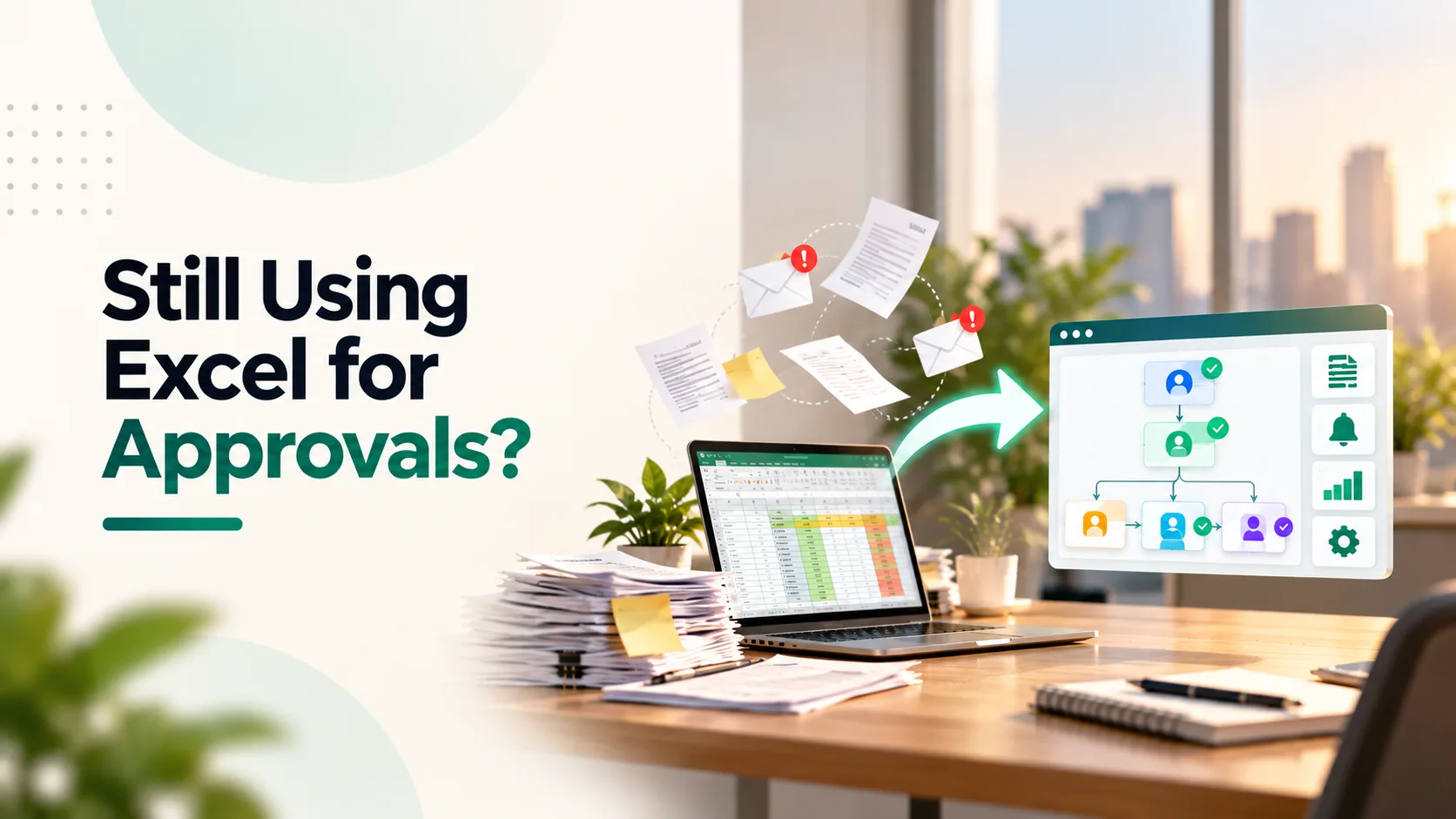
Excel is excellent for calculations, reports and structured data. It becomes far less effective when it is used to manage approvals, assign responsibilities and track multi-step business processes.
A typical manual approval process may involve an employee updating a spreadsheet, emailing it to a manager, sending reminders, recording comments and forwarding the approved file to another department.
As the business grows, this approach creates predictable problems:
- Requests remain pending in inboxes
- Employees do not know who must act next
- Different spreadsheet versions circulate
- Managers approve requests without complete information
- Deadlines and service levels are missed
- Audit trails are difficult to reconstruct
Workflow automation replaces these manual handovers with structured, rule-based processes. Requests are routed to the correct people, reminders are generated automatically, decisions are recorded and the next action begins without someone manually forwarding a file.
Zoho defines a workflow system as software that automatically manages task assignments, approvals and notifications according to predefined rules. Its guide to how workflow systems work explains that automation can improve accountability, reduce errors and allow employees to spend more time on higher-value work.
Here are 15 business workflows your organisation should consider automation.
1. Purchase Requisition and Purchase Order Approvals
Purchase requests often begin through email, chat messages or spreadsheet entries. This makes it difficult for procurement teams to confirm whether a request has the necessary approval.
An automated purchase workflow can:
- Capture the request through a standard form
- Validate the budget and required information
- Route it to the appropriate manager
- Add finance or leadership approval above defined limits
- Generate a purchase order after approval
- Notify the requester and procurement team
Conditional routing ensures that a routine purchase does not follow the same approval path as a high-value capital expense.
2. Vendor Onboarding
Vendor onboarding may involve procurement, finance, compliance and business teams. When managed manually, documents remain scattered across emails and shared drives.
Business process automation can standardise the collection and verification of:
- Company information
- GST details
- Bank information
- Tax documents
- Contracts
- Product or service categories
- Internal approvals
The system can prevent a vendor from becoming active until every mandatory check has been completed.
3. Invoice Approval and Payment Processing
Finance teams frequently spend time chasing department heads to approve vendor invoices.
An automated invoice workflow can match the invoice with the vendor and purchase order, route it to the relevant approver and notify finance after approval.
Escalations can be triggered when:
- The invoice exceeds a defined amount
- The purchase order does not match
- Supporting documents are missing
- The approver does not respond within the agreed timeline
Businesses looking to connect accounting, purchasing and reporting can review Absoft’s ERP Implementation and Financial Solutions.
4. Employee Expense Claims
Spreadsheet-based expense claims require employees to enter details manually, attach receipts and send the file to a manager.
An automated expense workflow can:
- Capture claims through a web or mobile form
- Validate spending limits
- Check whether receipts are attached
- Route requests according to employee level
- Return incomplete submissions
- Send approved expenses to finance
- Maintain a complete decision history
This reduces back-and-forth communication and gives employees visibility into claim status.
5. Leave Requests
Leave approvals appear simple, but manual processes often create conflicts between team availability, payroll records and attendance systems.
A structured workflow can check leave balance, notify the reporting manager, update the team calendar and send the approved request to HR or payroll.
Escalation rules can also prevent requests from remaining unanswered when the assigned manager is unavailable.
6. Employee Onboarding
Employee onboarding requires coordination between HR, IT, administration, finance and the hiring manager.
A manual process can result in employees joining without a laptop, email account or access to required systems.
Automation can initiate the complete onboarding sequence when a candidate accepts an offer:
- Collect documents
- Create the employee record
- Assign IT and administration tasks
- Request equipment
- Configure system access
- Schedule induction sessions
- Notify payroll
- Confirm completion to the manager
Each department receives only the tasks relevant to it, while HR can track overall progress from one dashboard.
Ready to Automate Your Business Workflows?
Request a Process Audit7. Employee Offboarding
Offboarding involves sensitive actions that should never depend on informal emails.
An automated workflow can coordinate:
- Resignation approval
- Knowledge transfer
- Asset return
- Access revocation
- Exit documentation
- Final settlement
- Exit interviews
- Record retention
The process can ensure that system access is removed on the appropriate date and that no critical step is missed.
8. Lead Assignment and Sales Follow-Ups
New leads often enter businesses through websites, advertisements, WhatsApp, IndiaMART or direct enquiries.
Without automation, leads may remain unassigned or receive delayed responses.
Zoho workflow automation can assign leads based on location, product, language, industry or salesperson availability. It can then create follow-up tasks, notify the assigned representative and escalate untouched leads.
Absoft’s guide to automating workflows in Zoho CRM explains how workflow rules can support lead assignment, notifications, follow-ups and structured sales processes.
9. Sales Discount Approvals
Sales representatives may need approval before offering discounts, extended payment terms or special commercial conditions.
Email-based approvals provide little control over what was requested, why it was approved or whether the final quotation matched the decision.
An approval workflow automation system can route the request according to:
- Discount percentage
- Deal value
- Customer category
- Product margin
- Payment terms
- Salesperson authority
After approval, the system can update the opportunity and record the authorised commercial terms.
10. Customer Onboarding
Once a deal closes, information must move from sales to finance, operations, implementation or customer success.
Manual handovers often result in missing documents, unclear responsibilities and repeated questions to the customer.
An automated onboarding workflow can:
- Create the customer record
- Collect required documentation
- Assign the implementation owner
- Create project tasks
- Generate invoices
- Schedule kick-off communication
- Notify internal departments
- Track onboarding milestones
This improves the customer experience while making ownership visible internally.
11. Customer-Support Ticket Routing
Support requests should reach the right team without someone manually reviewing and forwarding every ticket.
Automation can classify and route requests based on:
- Product
- Customer category
- Location
- Issue type
- Contract or service level
- Priority
- Language
The system can also trigger reminders and escalations when the service-level deadline is approaching.
12. Contract Review and Renewal
Contracts commonly move between business teams, finance, legal and leadership.
Spreadsheet trackers may record expiry dates but cannot manage the complete review process.
An automated contract workflow can:
- Capture the contract request
- Assign reviewers
- Record comments and revisions
- Route high-risk terms for additional approval
- Obtain signatures
- Store the final agreement
- Generate renewal reminders
- Notify the account owner before expiry
This creates greater visibility and reduces the risk of missing important renewal dates.
13. Inventory Replenishment
When inventory monitoring depends on periodic spreadsheet updates, teams may identify shortages too late.
An automated replenishment process can monitor stock levels and initiate action when inventory falls below a defined threshold.
Depending on the business rules, the workflow can:
- Alert the inventory manager
- Generate a purchase request
- Check pending purchase orders
- Route the request for approval
- Notify the relevant warehouse
- Update expected availability
The workflow can be connected with inventory, accounting and procurement platforms through APIs.
Turn Manual Processes Into Automated Workflows
Explore Workflow Automation Services14. Content Review and Publishing
Marketing teams often manage content through spreadsheets containing topics, writers, deadlines and approval status.
This may work for a small volume but becomes difficult when content requires multiple reviews.
An automated content workflow can move an asset through:
- Topic approval
- Content creation
- Editorial review
- Brand review
- Legal or compliance approval
- Design
- Final approval
- Publishing
Notifications and deadlines can be generated at every stage, reducing the need for manual follow-ups.
15. Management Reporting
Teams frequently spend the final days of each week or month collecting spreadsheet updates from different departments.
Automated reporting can pull data from CRM, finance, inventory, project and operational systems into one management dashboard.
Scheduled workflows can also:
- Remind owners about missing information
- Validate submitted data
- Consolidate reports
- Flag exceptions
- Distribute dashboards
- Create action items from review meetings
This shifts management reporting from data collection to decision-making.
Absoft’s article on automating the month-end close with Zoho provides an example of how finance workflows, approvals and reporting can be connected.
How to Identify Which Workflows to Automate First
Not every manual task should be automated immediately.
Start with workflows that are:
- Repetitive
- Rule-based
- High-volume
- Dependent on multiple handovers
- Frequently delayed
- Prone to human error
- Important for compliance
- Easy to measure
McKinsey recommends improving work through a sequence of eliminating unnecessary steps, synchronising activities, streamlining the process and then automating it. Its article on rethinking how work gets done emphasises end-to-end process improvement rather than automating isolated tasks.
This distinction is important. Automating an inefficient process only makes the inefficiency move faster.
What Should a Workflow Automation System Include?
A well-designed workflow should clearly define:
- The event that starts the process
- Information required from the requester
- Conditions that determine routing
- People authorised to approve
- Actions after approval or rejection
- Reminder and escalation timelines
- Integrations with other systems
- User permissions
- Exception-handling rules
- Reports and audit history
The system should also make it easy for users to see what is pending, who owns the next action and why a request was approved or rejected.
Zoho Workflow Automation Options
Businesses using Zoho can automate processes through different applications and tools.
- Zoho CRM for lead, sales and customer workflows
- Zoho Creator for custom forms, approvals and operational applications
- Zoho Flow for cross-application integrations
- Zoho Books and Expense for finance workflows
- Zoho People for employee processes
- Zoho Desk for service and escalation workflows
- Zoho Analytics for dashboards and reporting
Custom APIs, webhooks and Deluge functions can support requirements that extend beyond standard application features.
Not Sure What to Automate First?
Talk to an Automation ExpertWhy Work With a Workflow Automation Partner?
Simple notifications may be configured internally. More complex processes require business analysis, system design and integration expertise.
Professional workflow automation services can help businesses:
- Map existing processes
- Identify unnecessary steps
- Design the future workflow
- Select suitable applications
- Configure multi-level approvals
- Connect different platforms
- Develop custom logic
- Test exception scenarios
- Train users
- Monitor and improve workflows
Absoft follows a process-first approach. The objective is not to digitise every existing approval, but to simplify the workflow before it is automated.
Explore Absoft’s Workflow Automation Services to understand how approvals, handovers, reminders and cross-platform processes can be redesigned.
Stop Chasing Approvals Through Spreadsheets
Excel can show that a request exists. It cannot reliably ensure that the right person reviews it, acts within the required timeframe and triggers the next step.
Workflow automation gives businesses clearer ownership, faster approvals, fewer manual errors and a complete history of every decision.
Absoft helps organisations identify automation opportunities and build connected workflows using Zoho applications, APIs and custom solutions.
Contact Absoft to request a process audit and identify which manual workflows your business should automate first.
Frequently Asked Questions
What is workflow automation?
Workflow automation uses software and predefined rules to route tasks, approvals, notifications and information between people and systems.
Can Excel approval processes be automated?
Yes. Spreadsheet-based requests can be replaced with forms, structured approval paths, automated notifications, escalation rules and reporting dashboards.
Which business processes are easiest to automate?
Lead assignment, leave approvals, expense claims, purchase requests, invoice approvals, onboarding and routine reporting are common starting points.
Does workflow automation require Zoho?
No. Zoho provides strong workflow tools, but processes can also be automated across external software through APIs, webhooks and integration platforms.
How long does workflow automation take?
Simple workflows may take a few days, while multi-department processes involving integrations, migration and custom logic may require several weeks.